
Forensics: Crime Scene Detective — Digital Forensics Guide
How to analyze digital evidence in Forensics: Crime Scene Detective including device imaging, decryption, and chip extraction.
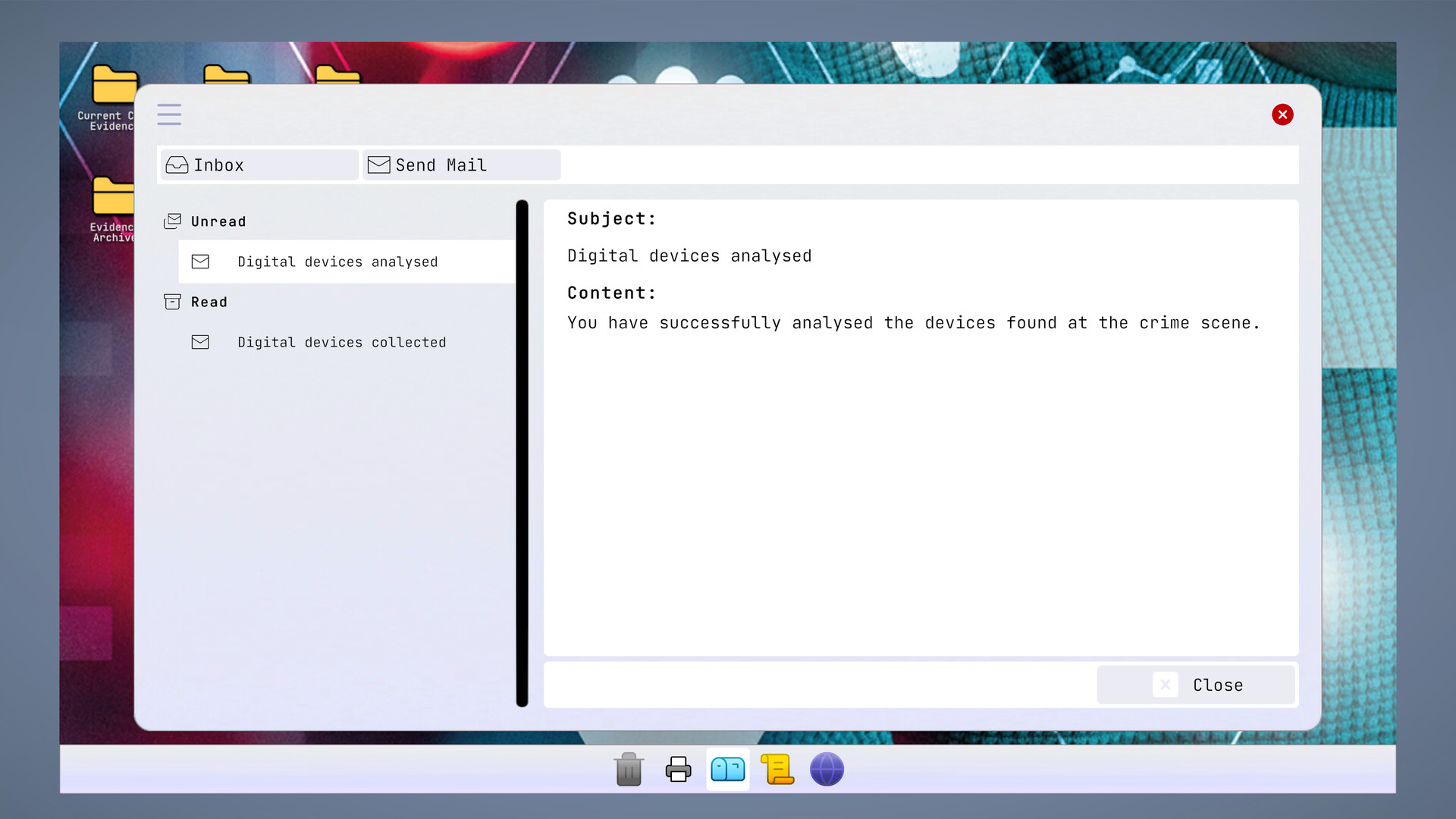
Digital forensics is one of the most complex systems in Forensics: Crime Scene Detective. Unlike Hollywood hacking montages, the game requires you to photograph devices, collect them properly, image drives, desolder chips, decrypt storage, and manually recover deleted files. Every mistake has consequences.
Crime Scene Digital Protocol
- Photograph every electronic device before touching it.
- Inspect surrounding cables and external storage media.
- Search for handwritten passwords or notes near devices.
- Label removable media separately from built-in storage.
- Secure active devices before transporting to prevent data changes.
Laboratory Workstations
| Station | Function | Best For |
|---|---|---|
| Chip Extraction Bench | Recover damaged storage chips | Broken smartphones, damaged electronics |
| Imaging Workstation | Create forensic copies | Working drives and functional phones |
| Hex Viewer | Recover deleted information | Corrupted or erased storage |
| Decryption Module | Unlock encrypted data | Password-protected devices |
| Evidence Database | Organize recovered files | Review investigation progress |
Forensics: Crime Scene Detective — digital forensics laboratory walkthrough

Chip Extraction Procedure
For damaged devices, place the item on the desoldering station. Long-press E to begin heating. Heat evenly around the chip perimeter — overheating permanently destroys data. Once the chip releases, vacuum it and transfer to the analysis reader. Rushing this process is the most common cause of lost digital evidence.
Recovering Deleted Data
The hex viewer reveals file signatures in raw storage. JPEG files start with FF D8 FF, PDFs with %PDF, and text conversations appear as ASCII strings. Search deleted storage before closing any case — critical messages are often erased by suspects.
Decryption Tips
Decryption is not about guessing random passwords. Search the crime scene thoroughly for password clues: sticky notes, notebook pages, trash bin contents, and witness statement details. Functional devices can be decrypted at the module; damaged ones require chip extraction first.
Frequently Asked Questions
Can I destroy digital evidence?
Yes. Overheating chips during extraction or analyzing original storage instead of forensic images can permanently lose data.
Should I analyze the original device or an image?
Always create forensic images when possible. Work from copies to preserve the original evidence integrity.
What file types can be recovered?
JPEG images, PDF documents, text messages, call logs, and messaging history. The hex viewer shows raw file signatures for manual recovery.
Related Pages
Getting Started
First-day tips for new players after launch.
Evidence Collection
The mark-photograph-inspect-collect workflow.
Fingerprint Analysis
UV lighting, dusting, and lifting techniques.
DNA Analysis
Biological sample collection and lab comparison.
Ballistics
Trajectory reconstruction and projectile analysis.
Case Rating Tips
How to earn S ratings and avoid undiscovered leads.
Demo Guide
How to play the free Steam demo.
Tips & Tricks
Post-launch community strategies and workflow shortcuts.
Steam Deck Guide
Portable play settings and performance tips.